SMU Data Arts Cultural Data Profile
The Division of the Arts has engaged SMU DataArts to include the Cultural Data Profile in its grant program for the first time in Delaware. SMU DataArts’ mission is to empower arts and cultural leaders with high-quality data and evidence-based resources and insights that help them to overcome challenges and increase impact.
The Cultural Data Profile (CDP) is a free and secure online survey that collects financial and programmatic data from nonprofit arts, culture, and humanities organizations so they can apply for grants, gather insights, use data to strengthen a case for support, and contribute to nationwide research. Surveys are customized based on your organization’s budget size, and it is mandatory for all General Operating Support and StartUp organizations to generate and include a Delaware Division of the Arts Funder Report as part of their separate general operating support application.
Whether you’re a museum director, artistic director, or executive director, DataArts will support you in doing what you do best. The data you provide serves multiple purposes. With it, you can get a clear picture of your organization’s progress, inform your decision-making, and make a stronger case to stakeholders.
Report Steps
- Determine Requirement
- Arts organizations in the General Operating Support and Start Up grant line must complete this annual report requirement in addition to their final reports in smARTDE
- Prepare your data entry documents
- Downloads can be found below
- Log in to, or create, your organization
- Visit app.culturaldata.org
- Begin a new survey
- Once complete, run a funder report
- Instructions to do so are below
FY2025 Report Deadline
November 1, 2026 by 4:30pm
Deadline may be extended if your audit is not finished
SMU Help Desk
SMU DataArts Support Center is available from 11 AM to 5 PM ET, Monday through Friday.
Support is available for assistance with technical needs or questions about data entry. Interpretation services are available upon request in over 30 languages.
877-707-DATA (877-707-3282) help@culturaldata.org
Division Contact
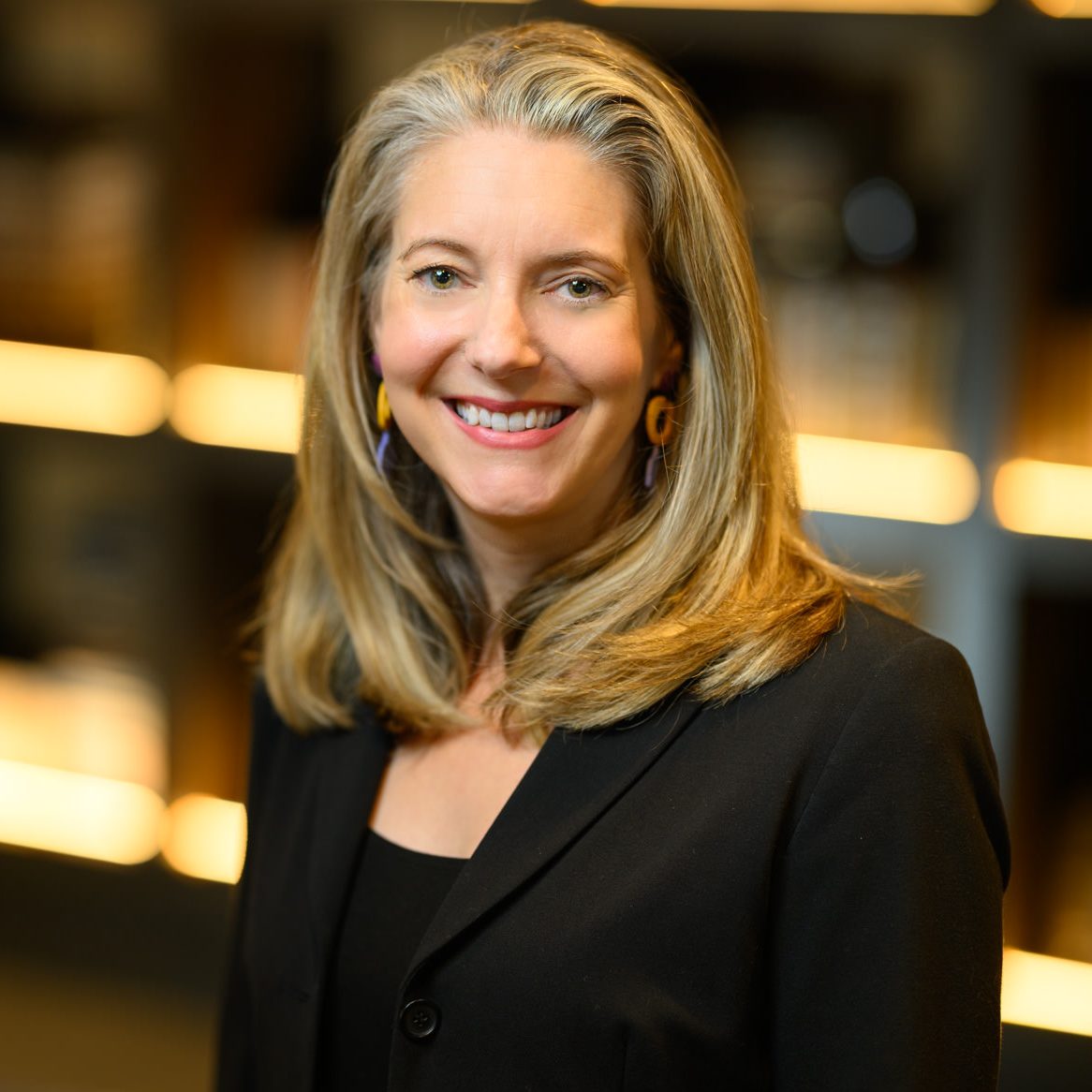
Kathleen Dinsmore
Organization Support
302-577-8287

Frequently Asked Questions
What is the Cultural Data Profile?
The Cultural Data Profile (CDP) is a free and secure online survey that collects financial and programmatic data from nonprofit arts, culture, and humanities organizations so they can apply for grants, gather insights, use data to strengthen a case for support, and contribute to nationwide research.
This year, Delaware arts organizations will pilot a new, simplified CDP. The updated survey focuses on the information most essential for reporting and research and is delivered through a new portal designed to make accessing surveys, data, and reports easier.
Why has the Division added this requirement?
The Delaware Division of the Arts is introducing the requirement of completing SMU DataArts’ Cultural Data Profile (CDP) and submitting the Delaware Division of the Arts’ Funder Report as part of our general operating support grant application process to improve the way we collect and use data to support the state’s nonprofit arts and culture organizations. The CDP is a comprehensive, secure survey that enables organizations to present their financial and programmatic data in a standardized format, allowing for clearer analysis and comparison. By requiring this report, we ensure that all grant applicants provide reliable, detailed information that can be tracked over time, helping us make more informed funding decisions and better assess the overall health of Delaware’s cultural sector.
Additionally, the CDP offers applicants access to a range of powerful tools, reports, and educational resources that organizations can use to build their capacity, regardless of whether you receive a grant. By using the platform, organizations gain insights into their financial health and program performance, empowering you to make data-driven decisions that strengthen their operations. This access to data and tools not only benefits individual organizations but also contributes to a stronger, more vibrant cultural ecosystem across the state.
Finally, by participating in the CDP, Delaware’s cultural nonprofits contribute to a nationwide dataset that informs research, advocacy, and public policy. With over 19,000 organizations already contributing to this resource, the Division of the Arts can tap into broader insights and trends in the cultural sector, enhancing our ability to advocate for the value of the arts in Delaware and beyond. This collective data pool helps build a compelling case for continued support of the arts and ensures that the cultural sector remains an essential part of the state’s future.
How do I create an SMU Data Arts account?
A URL to access the new CDP will be provided to you via email on September 1. At that URL, select Sign up at the bottom of the page to create your account and set your password.
For users with an existing SMU DataArts account: Sign up using the same email address associated with your existing SMU DataArts account to maintain access to your organization’s data. You can choose any password. Please contact the SMU DataArts Support Center for assistance if you do not know what email address your existing account is tied to.
For users new to SMU DataArts: Enter the email you would like to use and create a password for your user account. After creating your pasword you will be prompted to agree to the terms of service, enter your name, and complete account setup.
How do I join an organization?
Returning Users
Your access to your organization’s data has already been transfered to the new portal. Sign up using the exact email address associated with your existing SMU DataArts account to maintain access.
New Users
If you are completely new to SMU DataArts, you will need to connect your account to your organization in order to be able to enter data. After creating your user account, you will be prompted to Find Your Organization. Search for your organization by name, website, phone number, or EIN and request access. This will send a join request to all other users at your organization. If the existing users are no longer at your organization, you can contact the Support Center by phone at 877-707-3282 or by email at help@culturaldata.org for assistance.
How do I begin a new survey?
Once you have joined your organization, you will be able to create a new Cultural Data Profile survey for your organization. From the main homepage select Start Survey. You will be prompted to enter your fiscal year end date and the number of months in your fiscal year, then select Start a New Survey. The survey window will open in a new page and you can begin. When you have finished entering your data, complete the survey on the final page before returning to the homepage.
How to run a funder report
Once you have completed your survey you can follow these steps to share your data with funders and generate a funder report:
- From the homepage scroll down to Share your Data with a Funder, where you will see a list of grant programs available for your organization’s location.
- Next to Delaware Division of Arts, select the Start Sharing button.
- A pop-up will appear where you will choose the most recent fiscal year you would like included in the funder report. The report will automatically include up to two previous fiscal years based on your selection.
- Once you have selected the fiscal year, select Next and confirm that you would like to share your data with the Delaware Division of Arts by clicking the final submit button.
- A confirmation message will appear with the option to view the funder report. Select View Report to review, download, and save a copy of the report. Once completed, please email to Kathleen.Dinsmore@delaware.gov.
What questions are included in the new survey?
Download a PDF or Excel copy of the survey to help gather your information before beginning data entry. These files include all of the definitions and instructions available in the CDP.
Cultural Data Profile PDF: COMING SOON
Cultural Data Profile Excel: COMING SOON